GroundTruth Testing
Companion script: test_ground_truth.py.
Warning
Version 0.0.25 of fmdt-python updated the way we access the database.
In this guide you'll learn how to use fmdt to test the performance of
fmdt-detect. The relevant functions for ground truth testing are stored in the
fmdt.truth module.
Config
If you haven't already configured fmdt (or you don't know that that means),
follow this guide.
Loading GroundTruths
We have several utility functions to load up the GroundTruth objects
corresponding to Draco6 (gt6), Draco12 (gt12), and window (gtw).
>>> gt6
<fmdt.truth.GroundTruth object at 0x7f590d0939d0>

>>> print(gt6)
GroundTruth with 38 detections, 38 unique videos, and db dir:
        /home/ejovo/Videos/Watec6mm

>>> print(gt12)
GroundTruth with 39 detections, 39 unique videos, and db dir:
        /home/ejovo/Videos/Watec12mm
Testing a configuration of parameters
Specify a set of arguments and then see which HumanDetections are detected.
args = fmdt.detect_args(ccl_hyst_lo=253, ccl_hyst_hi=255, trk_all=True)
success_list = gt6.try_command(args)
>>> success_list
[False, False, True, True, False, True, True, False, False, False, False, False, False, False, False, False, False, False, False, False, False, False, False, False, True, False, False, False, False, False, False, False, False, False, True, True, False, False]

>>> sum(success_list)
7
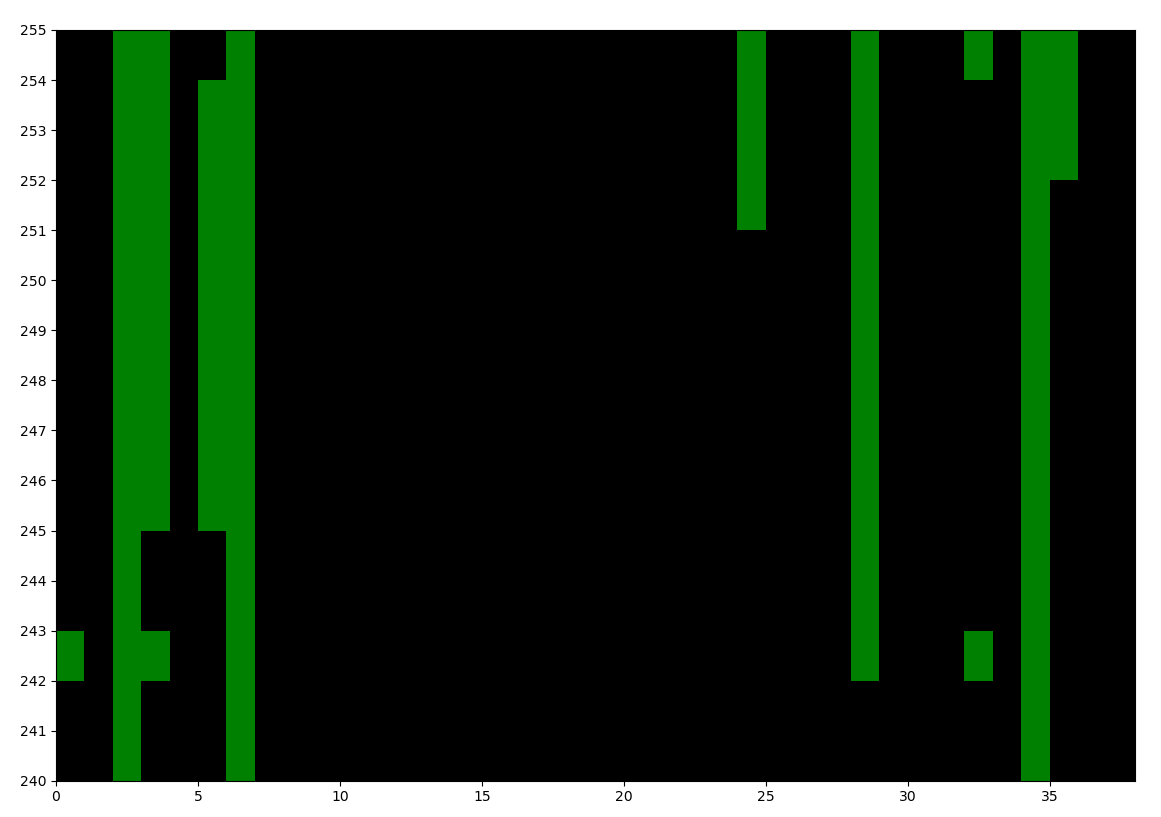
Heatmap
Create a heatmap (sort of) of the meteors that are detected for different
[ccl_hyst_lo, ccl_hyst_hi] intervals with the draw_heatmap() function: